- calendar_today August 22, 2025
One could reasonably assume that Copilot is the start and finish of Microsoft’s AI initiatives. That’s what makes the news, after all. However, the more subtle change that may have the biggest impact on you is taking place elsewhere.
Microsoft is taking a more deliberate approach rather than completely redesigning the Windows experience. It involves using artificial intelligence to quietly and powerfully upgrade the apps we all use, some of which we haven’t even considered in years.
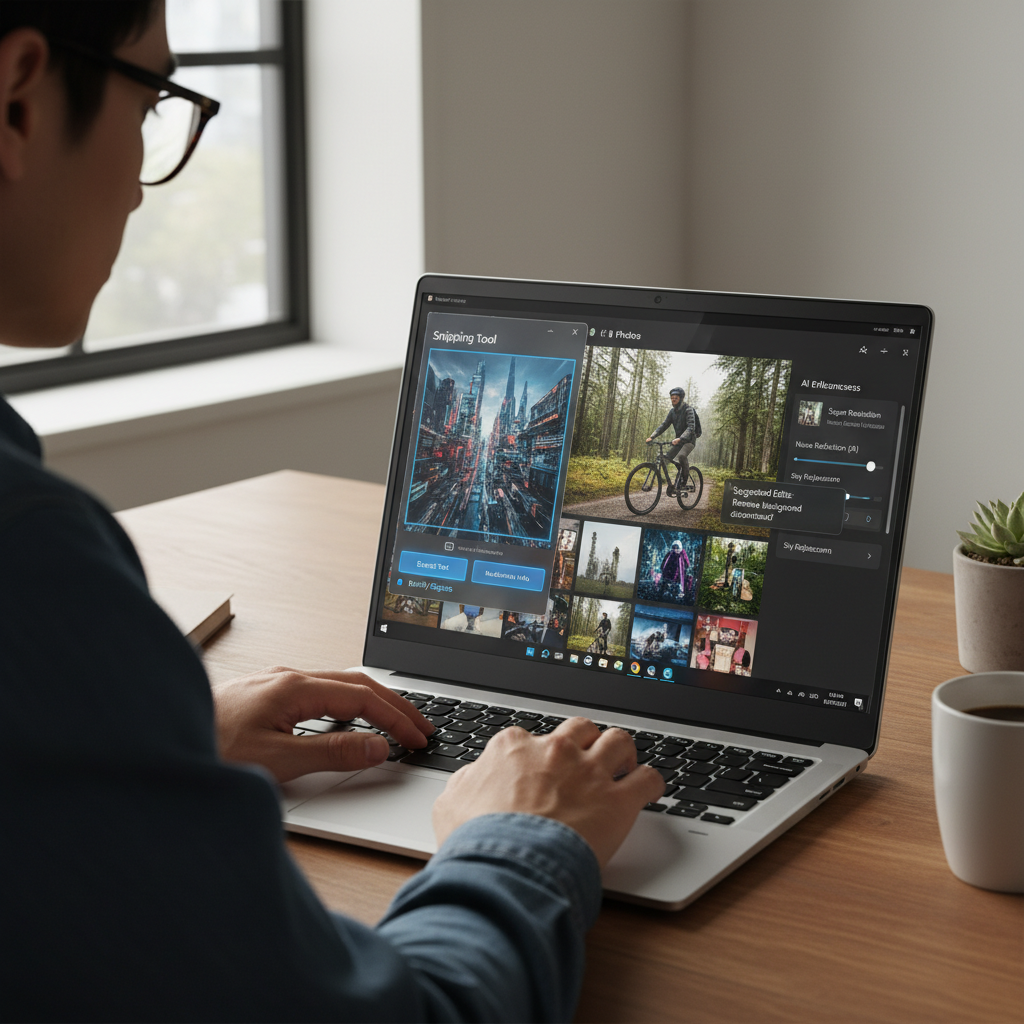
First, let’s look at the Snipping Tool. Since the early days of Windows, it has been a standard tool for taking screenshots. The majority of us use it mindlessly—snap a screenshot, save it, and then perhaps paste it into a document. However, it is currently receiving a new brain. The Snipping Tool will now include optical character recognition, or OCR, thanks to Microsoft. It implies that, similar to how you would from a webpage, you can highlight and copy text straight from a screenshot.
This may seem insignificant, but consider how frequently you’ve needed to extract text from an image, such as a handwritten note photo, a screenshot of an error message, or a scanned PDF. The Snipping Tool is now much more than just a screen capture app thanks to this modification. It turns into a daily time-saver.
Microsoft is testing object and subject recognition in the Photos app, which is equally useful. Yes, your computer will soon be able to recognize objects or people in pictures and distinguish them from the background. Consider the utility of that. Do you want to remove a friend from a crowded group photo? Blur a product photo’s background? You won’t need to learn Photoshop or upload anything because you can do it natively within Photos.
Paint comes next. Yes, the classic paint. An innovative AI update is coming to the app that we all remember from our youth. Paint will create an image if you type in a prompt like “a spaceship hovering above a city skyline at night,” which is a text-to-image feature Microsoft is working on. This is comparable to what OpenAI’s DALL·E does with Bing’s Image Creator, but it’s integrated into an app that almost everyone is already familiar with.
What enables all of this? Finally, hardware is catching up. These AI features require a Neural Processing Unit (NPU) in order to function properly. These chips are made especially to perform AI tasks without causing your CPU to lag or sending data to the cloud.
Although NPUs have long been a feature of Qualcomm’s mobile processors, they are now beginning to appear in mainstream PCs. Your next laptop or desktop computer may come with AI built in by default because AMD’s Ryzen 7040 series and Intel’s upcoming Meteor Lake chips both have NPUs.
What makes that significant? due to the fact that local processing is safer, quicker, and internet-independent. That Snipping Tool OCR feature? It will occur immediately. That Paint image creation? Instead of on a remote server, it is made on your device. The tools feel quick and responsive, and your personal information is kept safe.
NPUs are currently only used in a small number of Windows 11 features, primarily improvements for video calls. However, that is evolving. These AI-driven enhancements to Paint, Photos, and Snipping Tool are only the beginning. Microsoft is also taking a long-term approach. It’s not about making drastic changes to startle you. Its goal is to improve everyday computing in subtle yet significant ways.
To be honest, it’s refreshing. This strategy feels… respectful in a time of loud announcements and extravagant tech launches. It honors your current PC usage. You are not prompted to download any new software or sign up for any subscriptions. It merely takes the tools you already know and makes significant improvements to them.
And for that reason, this update is very exciting. Not because it’s revolutionary. However, it feels intimate.